
Agent graphs
An agent graph is the complete structure of an agent’s steps and connections. Every graph starts at Start and finishes at Done or Failed. When a step succeeds, the graph follows its green connection; when it fails, the red one.
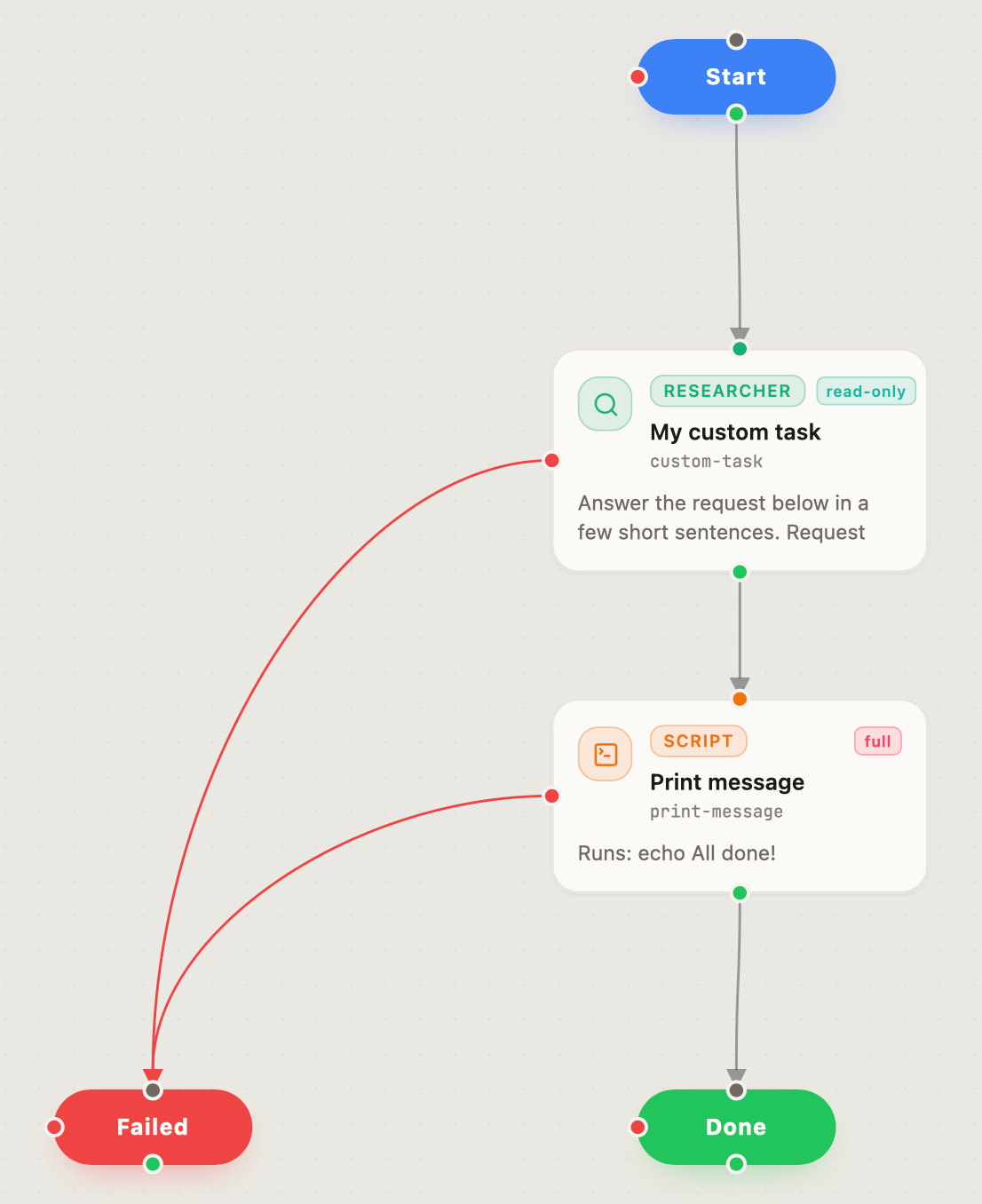
This is the graph that opens when you choose New Graph in Graph Builder.
Steps
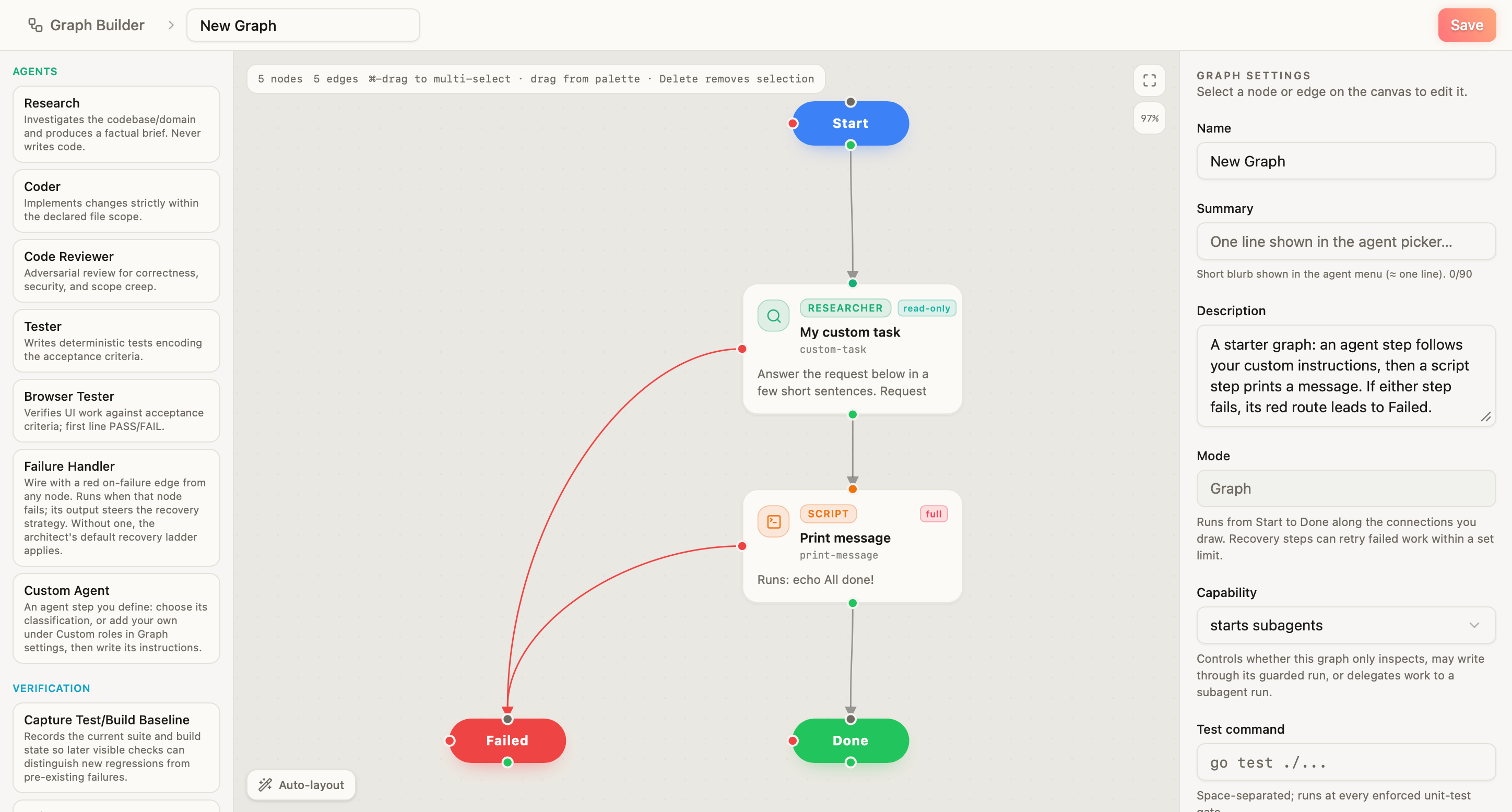
Each card on the canvas is a step. Add steps from the palette on the left, and change the selected step in the panel on the right.
- Agent steps hand work to an agent. Choose a classification, such as researcher, coder, or reviewer, and write the instructions for that step.
- Script steps run a program. Its exit code decides which connection the graph follows.
- Your graphs are graphs you have saved. Add one to another graph as a single step.
Connections
To connect two steps, drag from a step’s port to the step that runs next. A green port leads to the next step after a success; a red port leads to what handles a failure, such as Failed or a step that recovers.
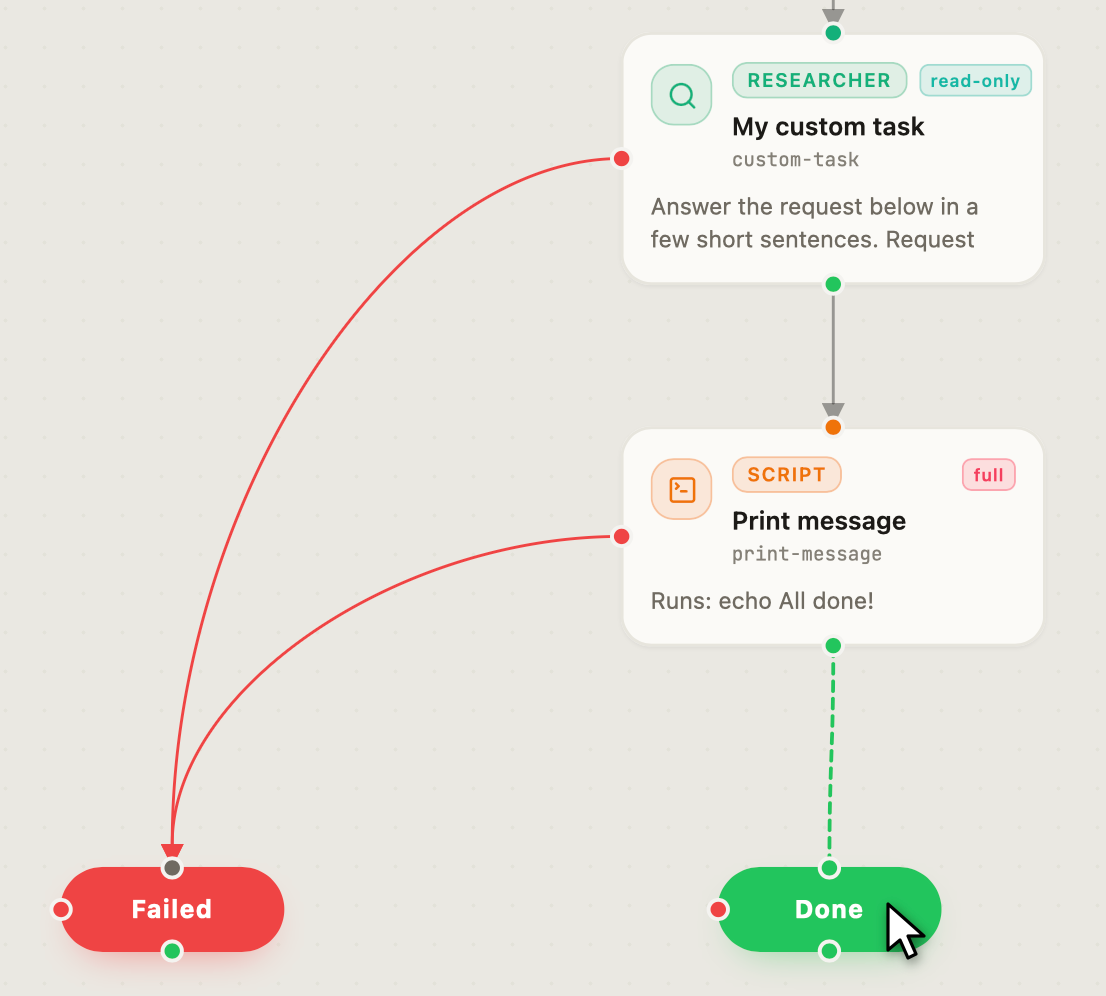
A connection back to an earlier step creates a loop: repeated behavior within the graph, which runs up to a set limit. Graph Builder warns you when a step has no failure route.
Guides
Build your first graph walks through creating, connecting, saving, and running a graph. Publish to the Marketplace covers sharing a graph as an agent or submitting a plugin repository. Creating agents does not require a Panolayer subscription.